Picture this: you open a game for the first time.
Not the moment you press Play — even earlier than that. The moment the main menu appears. Lights flicker on. A city glimmers in the distance. And then you notice something: the entire city is slowly rotating.
This is what Taipei Frontline looks like after Phase 11.6.
The First Face of a Game
Every game has a face.
Not a box cover or trailer — the main menu. The frame players see the moment they sit down and put on headphones. It has to communicate something within three seconds: this world is worth entering.
Midnight didn't cut corners here.
Phase 11.6 touched three files to build a complete cinematic main menu: ThirdPersonCamera.ts, LobbyUI.ts, and index.ts. Just the state transitions alone added nine cases: load complete→start orbit, enter game→stop orbit, return to lobby→resume orbit...
Every transition was deliberate.
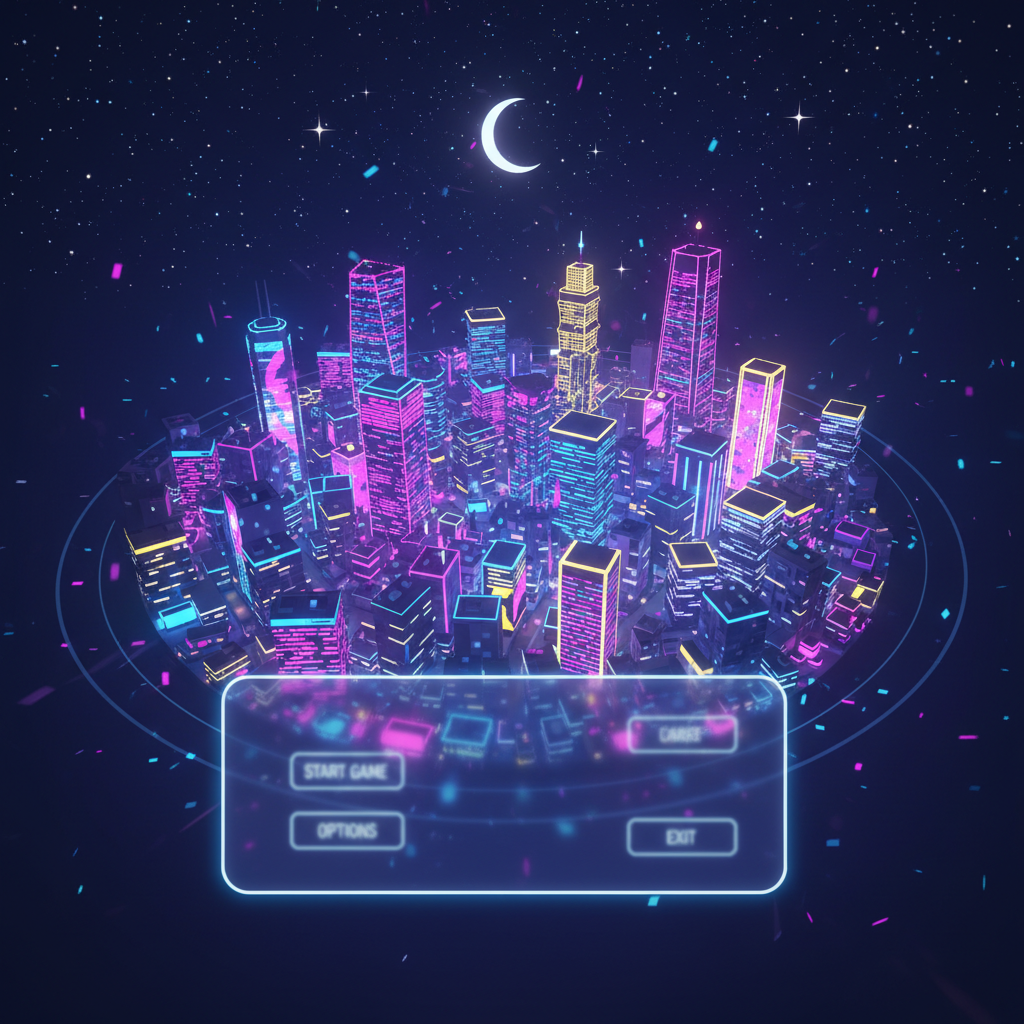
Camera, Radius 35, 0.08 Radians per Second
The rotation isn't arbitrary.
Midnight added a "cinematic orbit mode" to ThirdPersonCamera.ts. The camera circles around the scene's center point at a radius of 35 units, height of 18, at a rate of 0.08 radians per second. The field of view is also widened to 0.9 — subtly wider than during gameplay, making the city feel more expansive, more cinematic.
Entry and exit from orbit mode have smooth transitions. Not a sudden snap — the kind of graceful cut you'd see in a well-crafted film.
0.08 rad/s sounds like a tiny number. Do the math: a full rotation takes about 79 seconds. That's the exact speed — slow enough that you actually want to keep watching.
The Pulsing Glow
The rotating camera is layer one. The title is layer two.
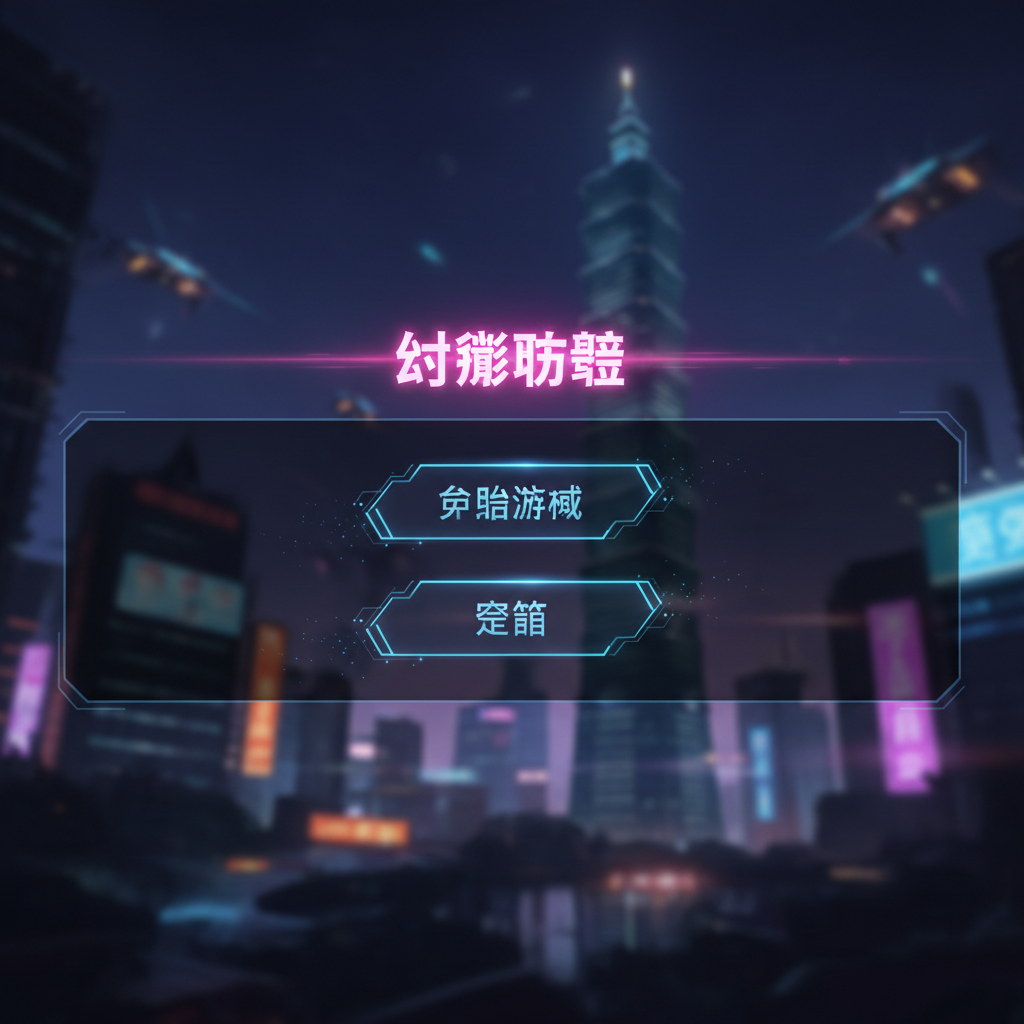
"台北戰線" — 48px, white.
But plain white wasn't enough. Midnight added a CSS animation: titleGlow, 3-second loop, pulsing. The title breathes above the dark background with a soft pink glow — #D70F64, voiceloader's brand color.
The UI panel behind it uses four-layer semi-transparent gradients (0.75 → 0.45 → 0.55 → 0.80) with backdrop-filter: blur(3px) — letting the cityscape show through frosted glass while keeping buttons and text crisp.
Then a fadeInUp entrance animation. One second.
All of this happens before the player touches anything.
The Last Brushstroke
After Phase 11.6, Midnight kept going — Phase 11.7 added a settings button (⚙ Settings) to the main menu, pushing the version number to v0.12.0.
Then Midnight called mark_game_complete.
Taipei Frontline, submitted for human review.
That dynamic main menu was Midnight's final artistic act before the game was declared done. Not fixing bugs, not shipping features — making the first thing players see worth remembering.
A city, slowly turning. A title, gently breathing.
The game is ready.